Smart Life scenes: practical automations for Tuya devices
A scene brings actions together; an automation runs actions when conditions are met. Start with a small testable setup and add devices gradually. These examples are planning ideas, not a guarantee that every model supports every action.
Tap-to-Run or Automation?
Tuya distinguishes manually launched Tap-to-Run scenes from automations based on conditions such as time or a supported device-state change. Define what starts the scene and what it should do. Available settings and menu names can vary by app version and product model.
Example: leaving home
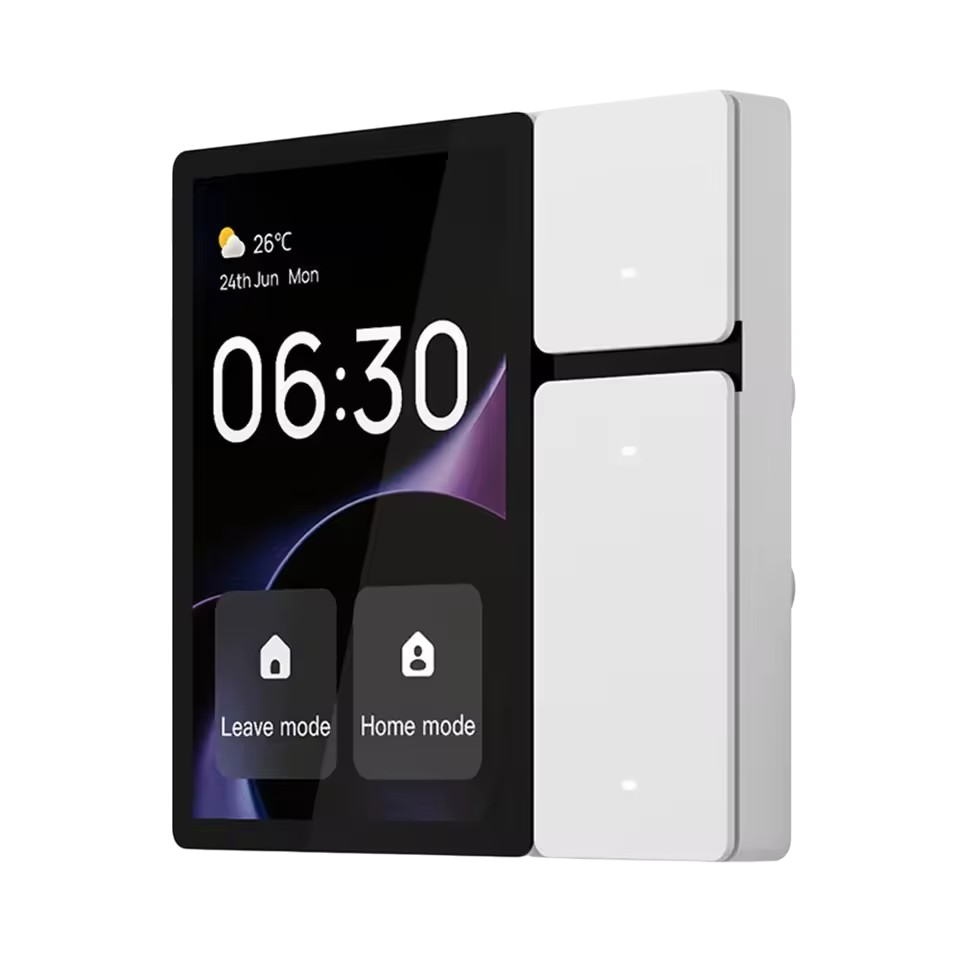
Start with a button that turns off two compatible lights. Add each device action, save the scene and test it while present. Give circuits clear names. Do not include equipment that needs continuous power in a whole-home off scene simply because it appears in the app.
Example: entrance lighting
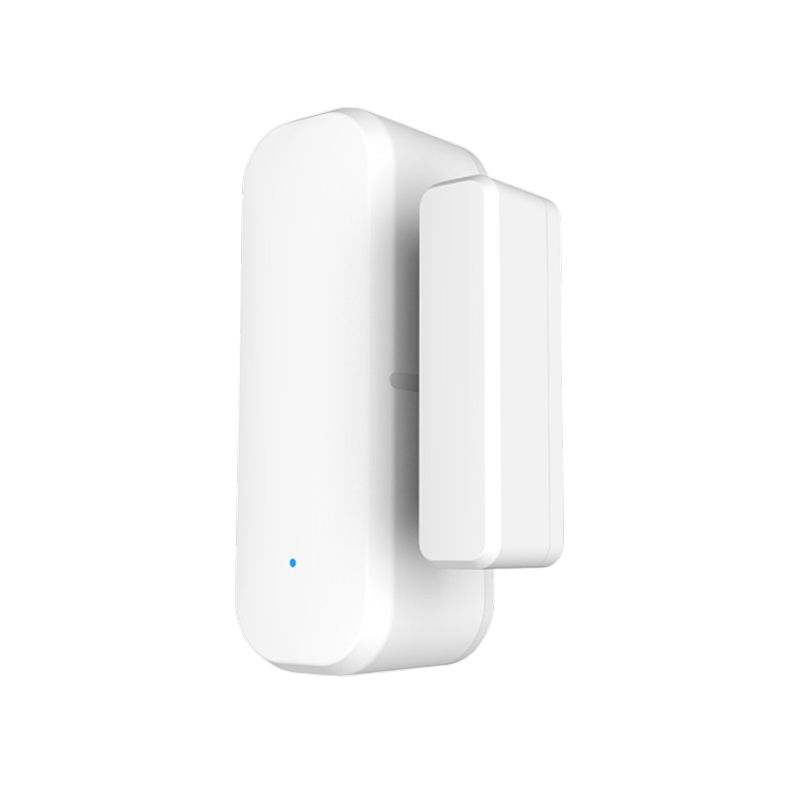
If the door sensor and light switch support the required state and action, use door opening to turn on the light. Add an evening-only period if supported. Test closing and reopening the door, and decide whether lights should turn off manually or through a supported timer. Avoid leaving them on unintentionally.
Check the trigger before adding complexity
If a scene fails, test devices individually, then review the condition, effective period and action. For multiple conditions, confirm whether all or any must be satisfied. Keep a short note of the scene’s purpose so you can spot conflicts when another automation controls the same device.
Plan for lost connectivity
Appearing together in Smart Life does not make every scene local. Tuya distinguishes local execution from cloud-dependent commands. When choosing devices at Smarter, explain your scenario and current gateway and models, then test the actual behavior. Keep suitable manual controls available for everyday use.
Common questions
Can one scene control several devices?
Yes, where the devices and actions are supported. Test each action separately and then the complete scene.
Do I need new hardware to create a scene?
Not necessarily. Start with supported functions on your current devices and only add hardware for a specific missing condition or action.