Connect Tuya devices to Smart Life: setup and pairing checks
Before adding a Tuya device to Smart Life, confirm the app and protocol required by its exact model. WiFi devices follow their network setup instructions; Zigbee devices usually need a compatible gateway. This guide covers app setup, not electrical wiring.
Identify the version first
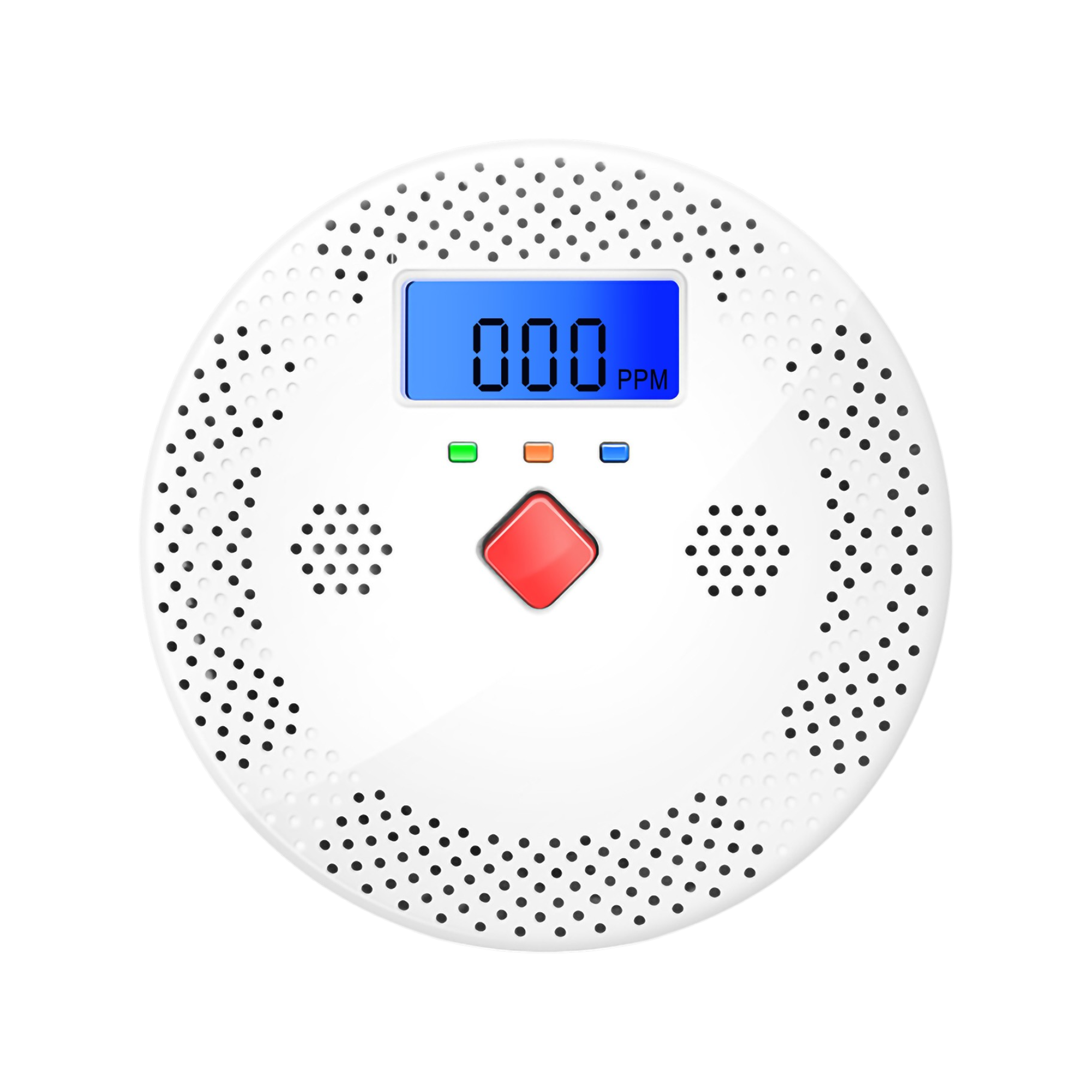
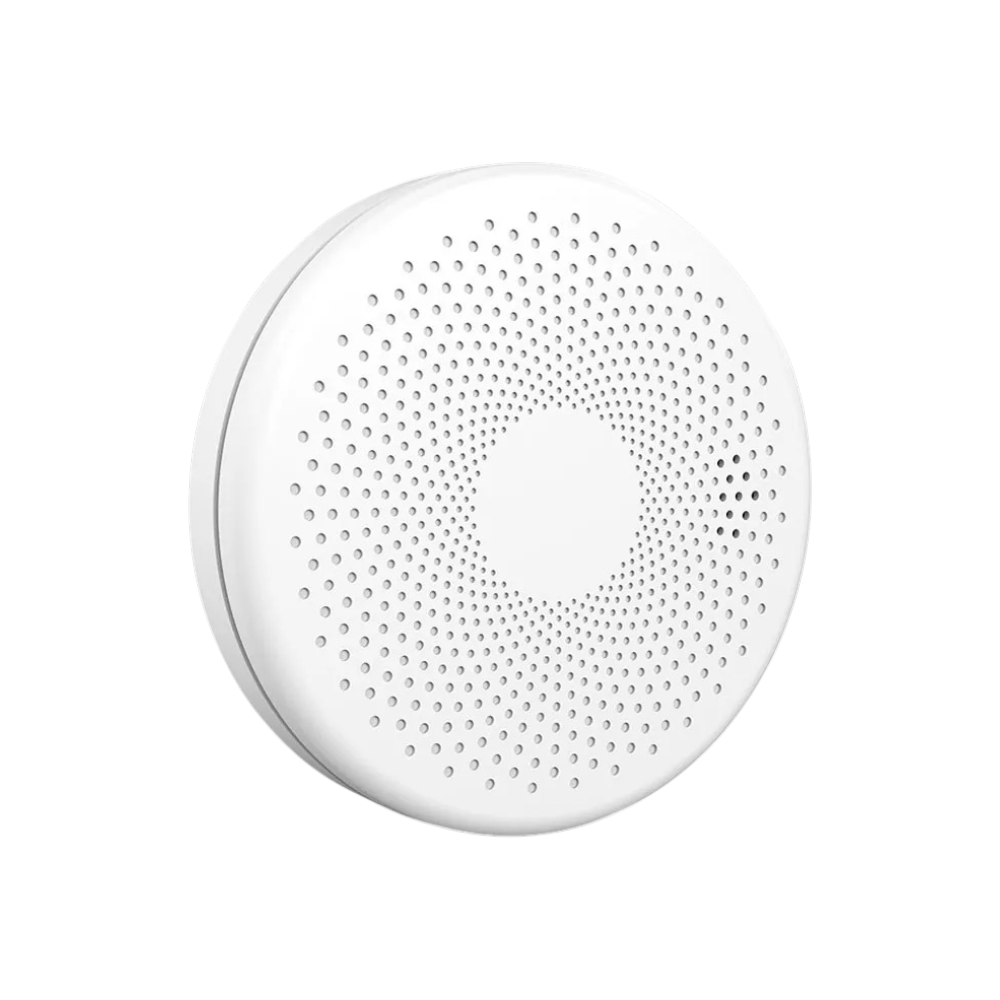
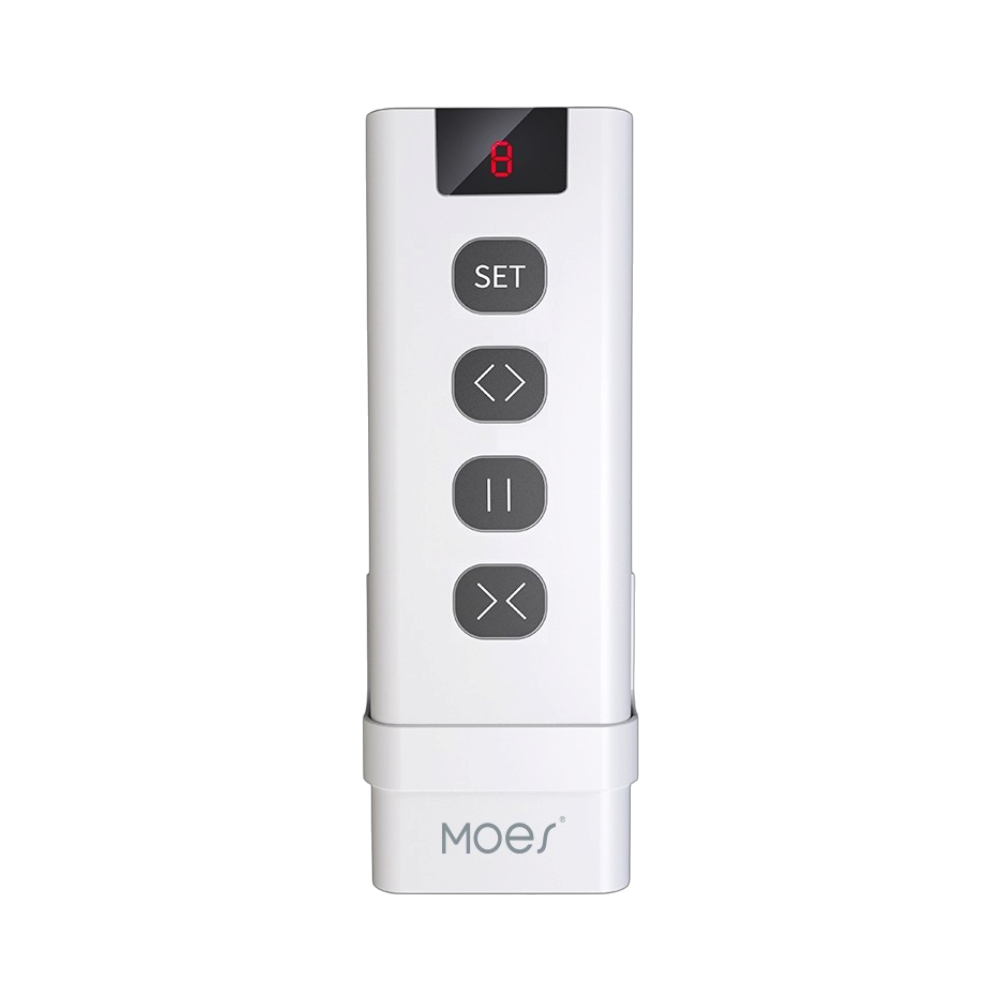
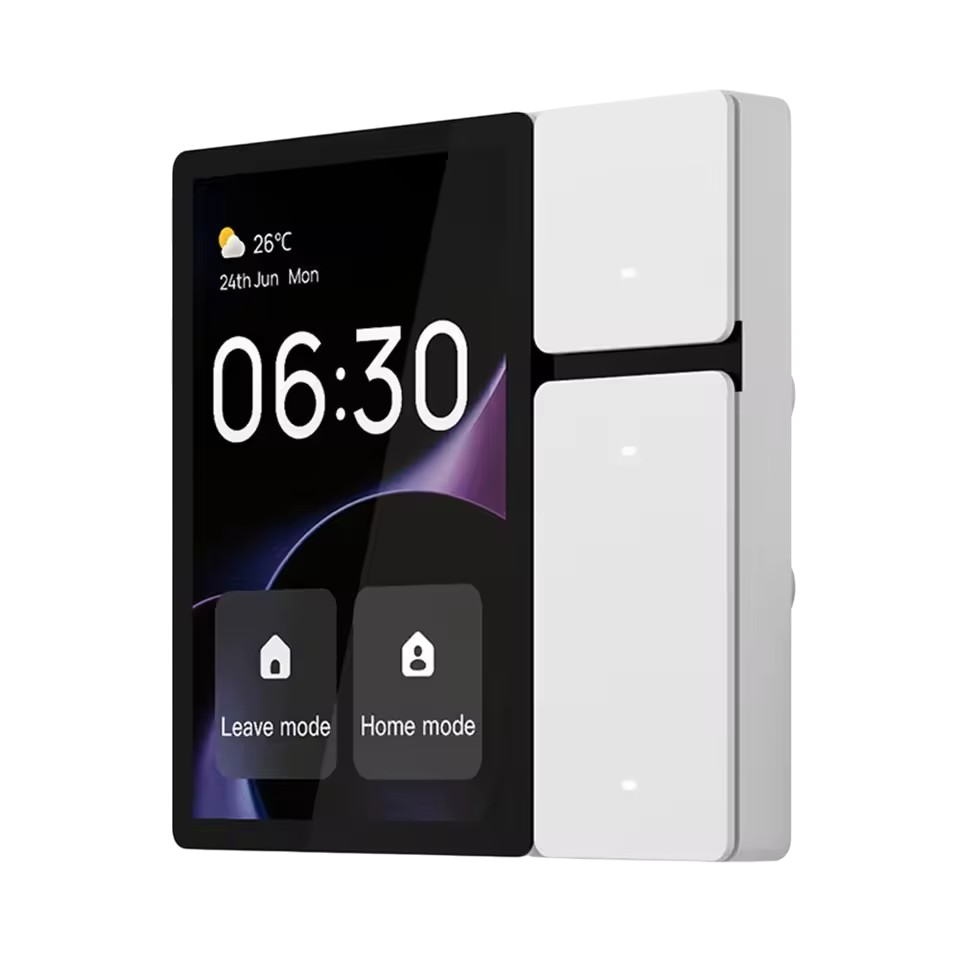
Check the model number, WiFi or Zigbee label and product manual. Two identical-looking switches can use different pairing methods. Follow the app named in the manual: a Tuya label alone does not confirm every feature or voice-assistant integration.
Add a WiFi device
Install the specified app from your app store and create an account. Connect your phone to the appropriate network; most WiFi devices covered by Tuya’s pairing instructions require 2.4 GHz. Put the device into pairing mode as its manual describes, choose Add device, select its type and enter the network details. Screen labels vary with app version and model.
If pairing fails
First check the WiFi password and pairing indicator. Tuya documents EZ and AP pairing for supported devices; try the alternative only when your model supports it. AP setup may ask you to join the device’s temporary hotspot. Avoid repeated resets without checking the cause. Record the step and error message where setup stops.
Add a Zigbee sensor or switch
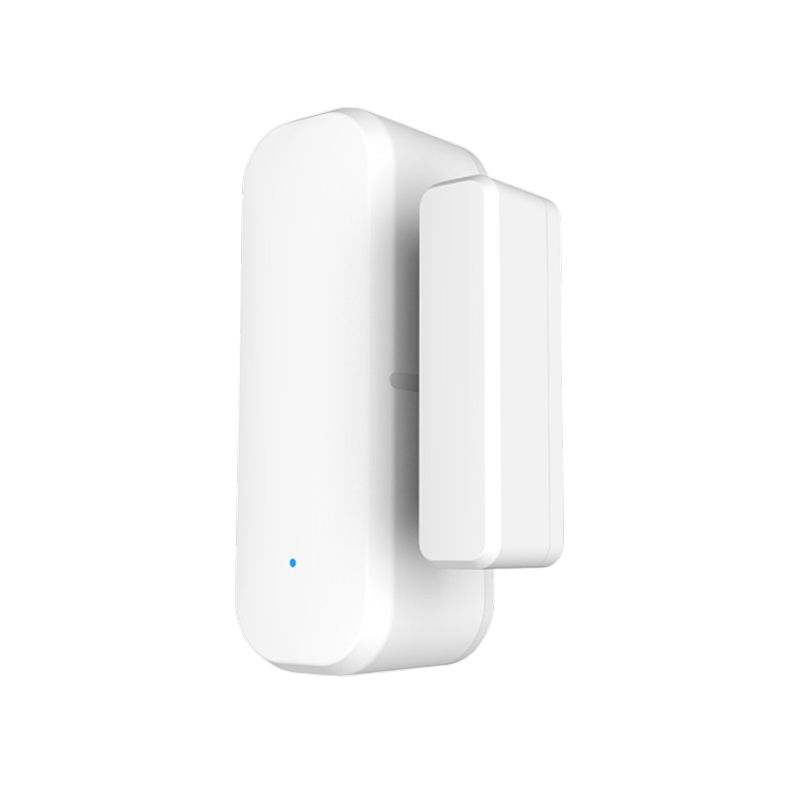
Set up the compatible gateway first, then add its sub-device according to the gateway instructions. Pair nearby and test again at the intended installation point. A shared Zigbee label alone does not establish support for every function across different models and platforms.
Test and organize
Give the device a clear name such as Living room light, send a simple command and check the physical response. Organize devices into rooms. When contacting Smarter, provide the model, network type and error screenshot, without sending account or WiFi passwords. Selecting the right product version makes troubleshooting easier.
Common questions
Can I pair every Tuya device on 5 GHz WiFi?
No. Many WiFi models need 2.4 GHz. Check the device requirements even if your phone supports 5 GHz.
Should I use Tuya Smart or Smart Life?
Use the app specified by the product listing and manual. Do not assume that every model supports both with identical features.