Skip to content
HomeWiFiZigbee
CompareFavoritesNotificationsAccountCart0
ع
HomeFavoritesCartSearchAccount
Home/Blog
Smarter products

Smarter S09 IR remote: a buying guide for existing appliances

Before choosing a smart remote, identify how your existing appliances are controlled and which commands you need. This guide helps you plan a clear everyday experience with Smarter S09.

By Smarter9 October 2026
In this articleKnow the product’s roleList appliances and commandsStart with one applianceTest the final positionSeparate readings from automationDesign for the household

Know the product’s role

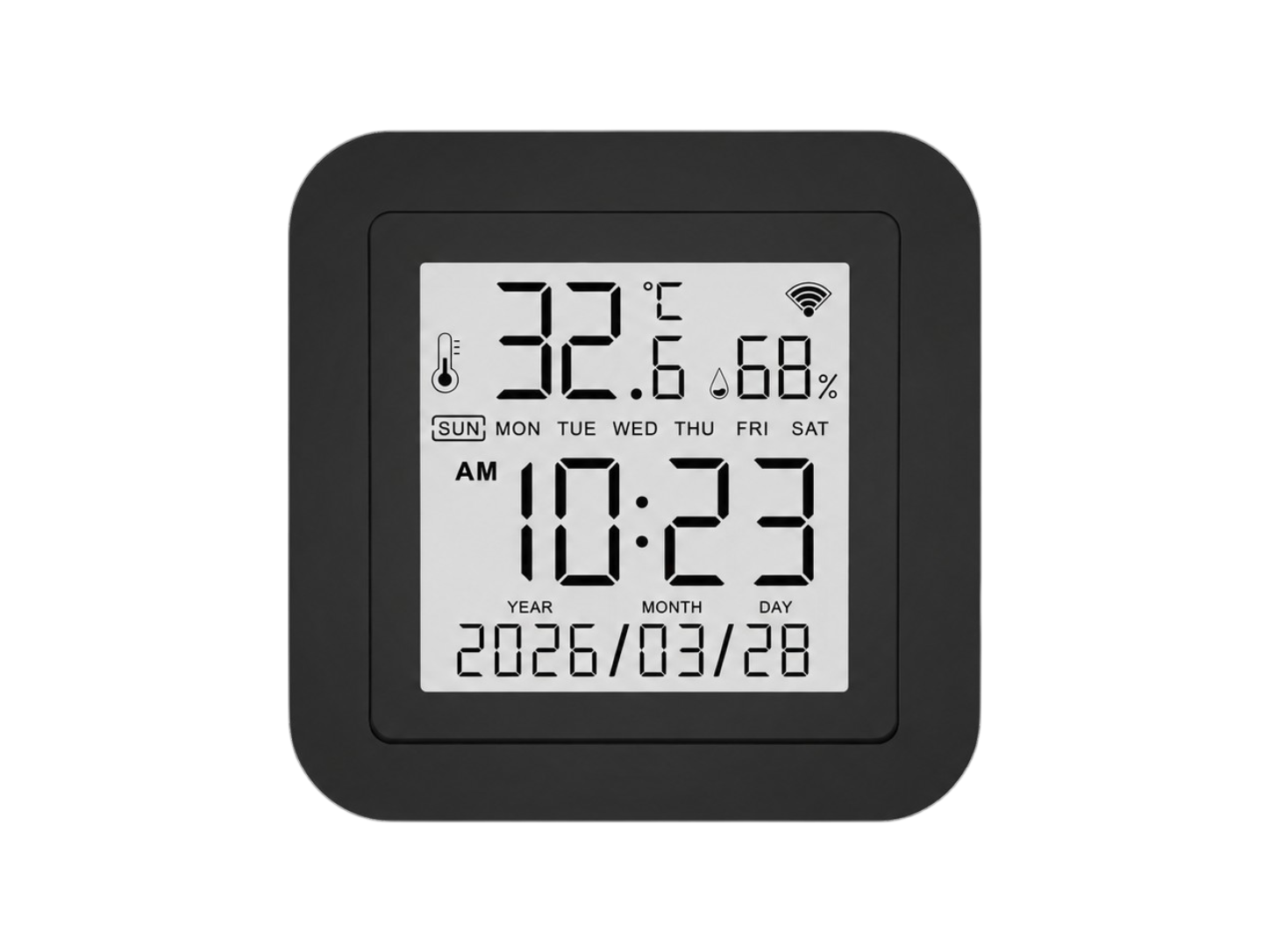
The S09 listing specifies IR control, 2.4GHz WiFi, a display, temperature and humidity sensing, and Smart Life/Tuya support. RF is not supported. Similar-looking remote controllers can use different technologies.

List appliances and commands

Record exact appliance models and essential commands. For a television, consider power, volume and input; for an air conditioner, consider operating mode, temperature and fan speed. Test the functions you actually use.

Start with one appliance

Follow the model’s setup guide and check individual commands before creating scenes. One successful power command does not verify every button. Keep the original remote available during testing.

Test the final position

Check commands after placing the controller where it will stay, rather than only testing it close to the appliance. Consider everyday changes to the room and follow the placement guidance in the manual.

Separate readings from automation

A temperature reading does not itself confirm a particular automation or voice command. Ask about the exact scenario, app and target appliance before purchasing if that function is essential.

Design for the household

Choose understandable device names and a short list of useful commands. Let other household members try them. When contacting Smarter, provide the target appliance model and the specific command that needs attention.

Common questions

Does S09 replace every type of remote?

No. Its listing specifies IR and excludes RF. Confirm the target device and required commands.

Is a successful power command enough?

Test all commands you need, including modes, volume or input selection where relevant.

Does the display establish compatibility?

No. Display information and control compatibility are separate considerations.

Find the right fit with Smarter

Share your device model, existing system and required function so we can help check compatibility. Each product page has current prices, stock and variant specifications.

Ask SmarterBrowse products
View Smarter S09

Sources and references

  • Smarter S09 — المواصفات ودليل التشغيل
Smarter Originals: a guide to Smarter smart home products in EgyptPlan a smart room with Smarter: a practical first-purchase checklistConnect Tuya devices to Smart Life: setup and pairing checks

Related products

Check the selected variant: not every product offers every feature discussed in this article.

All products and current pricesBack to the blog
Universal IR Remote Display with Temperature & Humidity Sensors - S09
Best Sellers🏆Featured⭐Sale🏷️
WiFi
Smarter

Brand✨Offer⚡Universal IR Remote Display with Temperature & Humidity Sensors - S09

999EGP
1,450 EGPSAVE 31%