
Shipping and delivery
- البريد المصرى: 75 EGP · 1–3 days after dispatch
- J&T Express: Up to 150 EGP · 1–5 days after dispatch
Estimate for one item. Final shipping costs, courier options and eligible offers appear when selecting your governorate at checkout. Shipping policy
Your order’s journey to your door
- 1
Order confirmed
Preparation begins after confirmation
- 2
Carefully packed
Secure packaging protects your product
- 3
Handed to courier
Your order is handed to the courier
- 4
Tracking update
Follow your shipment’s progress
- 5
Delivered
Your order arrives at your door
Important notes
The courier does not offer inspection upon delivery.
Some orders may be delayed due to shipping conditions. We remain responsible for delivering them as quickly as possible.
You can request a return without a reason within 14 days — Read the exchange and returns policy
You can return a damaged or defective product during the 24-month warranty — Read the warranty
Description
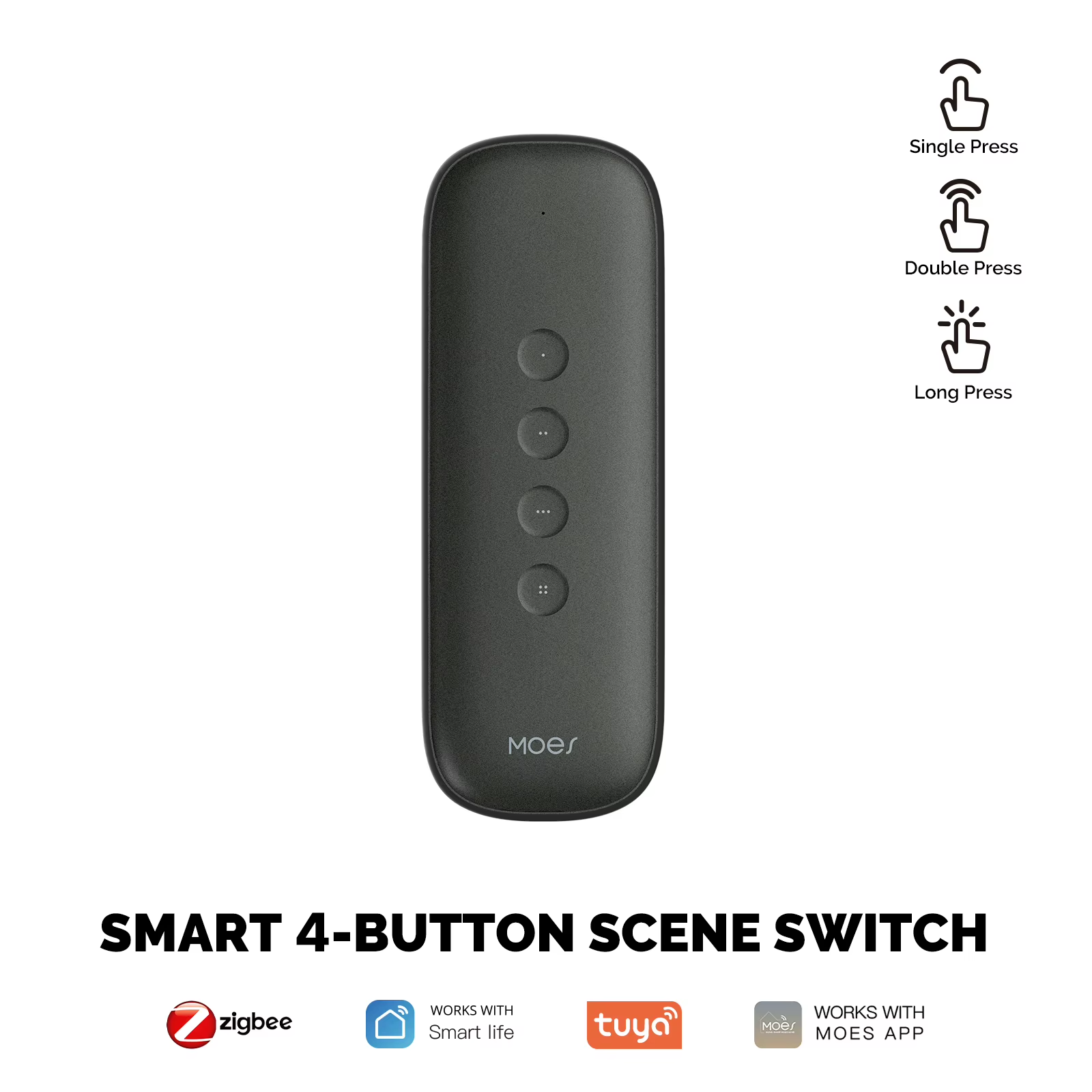
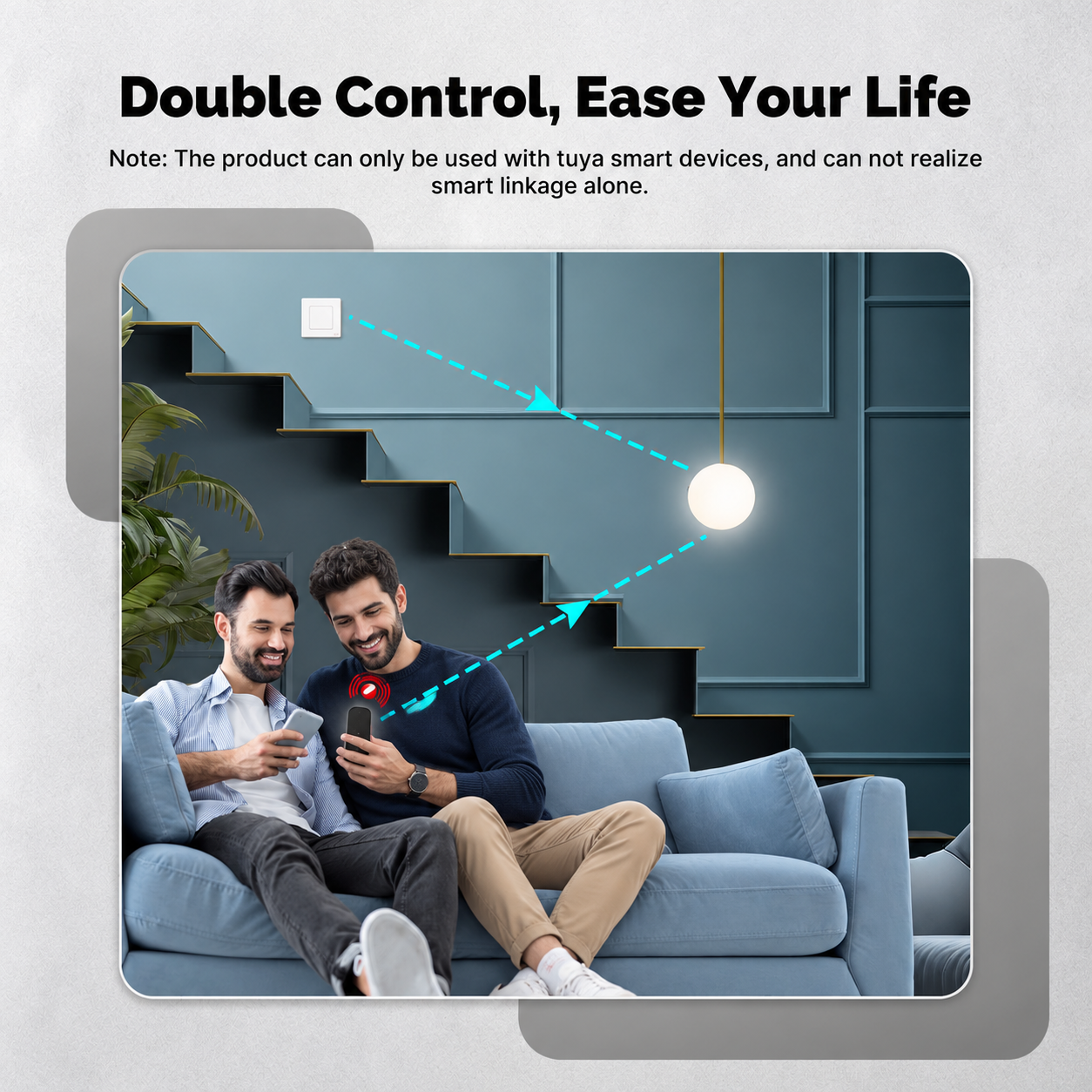
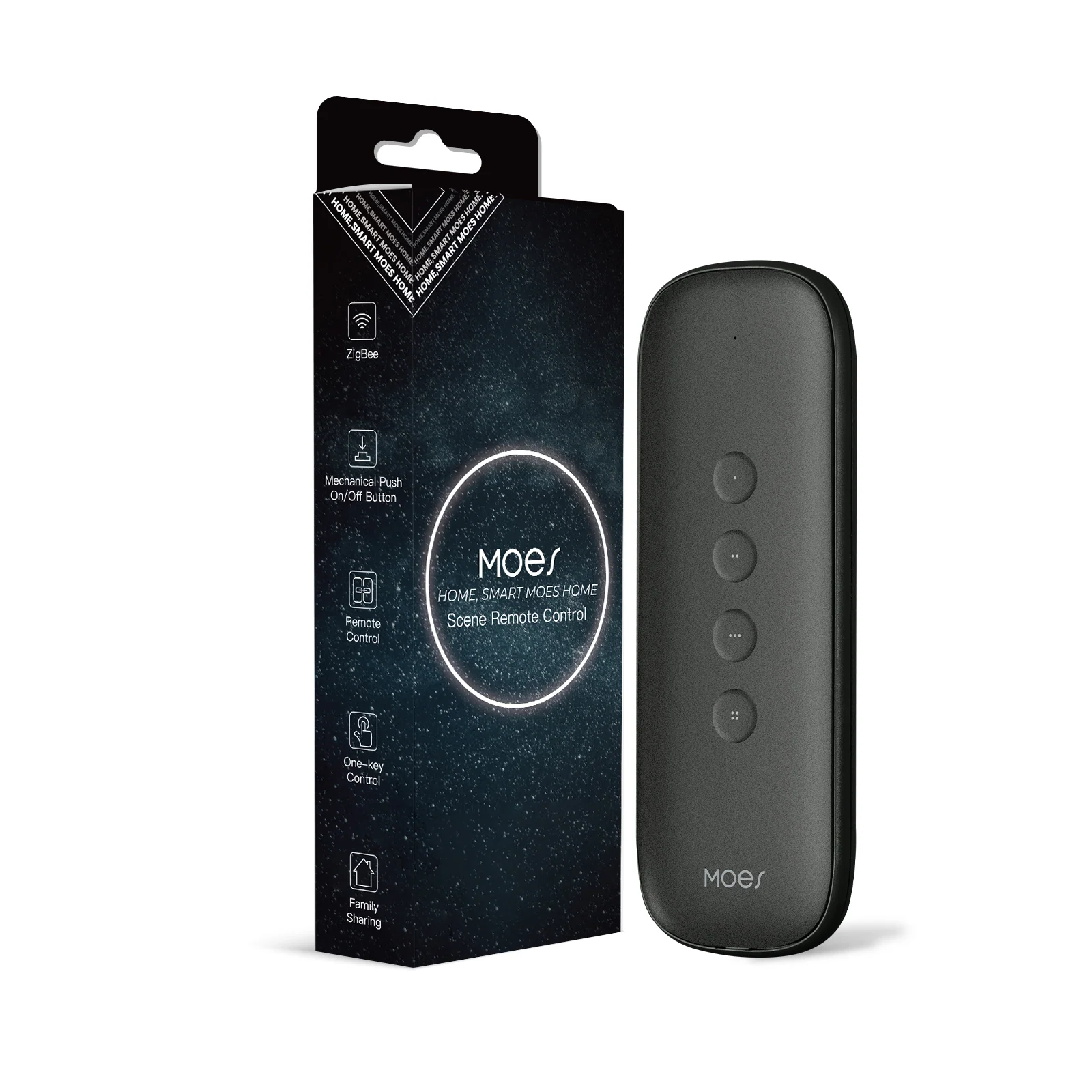
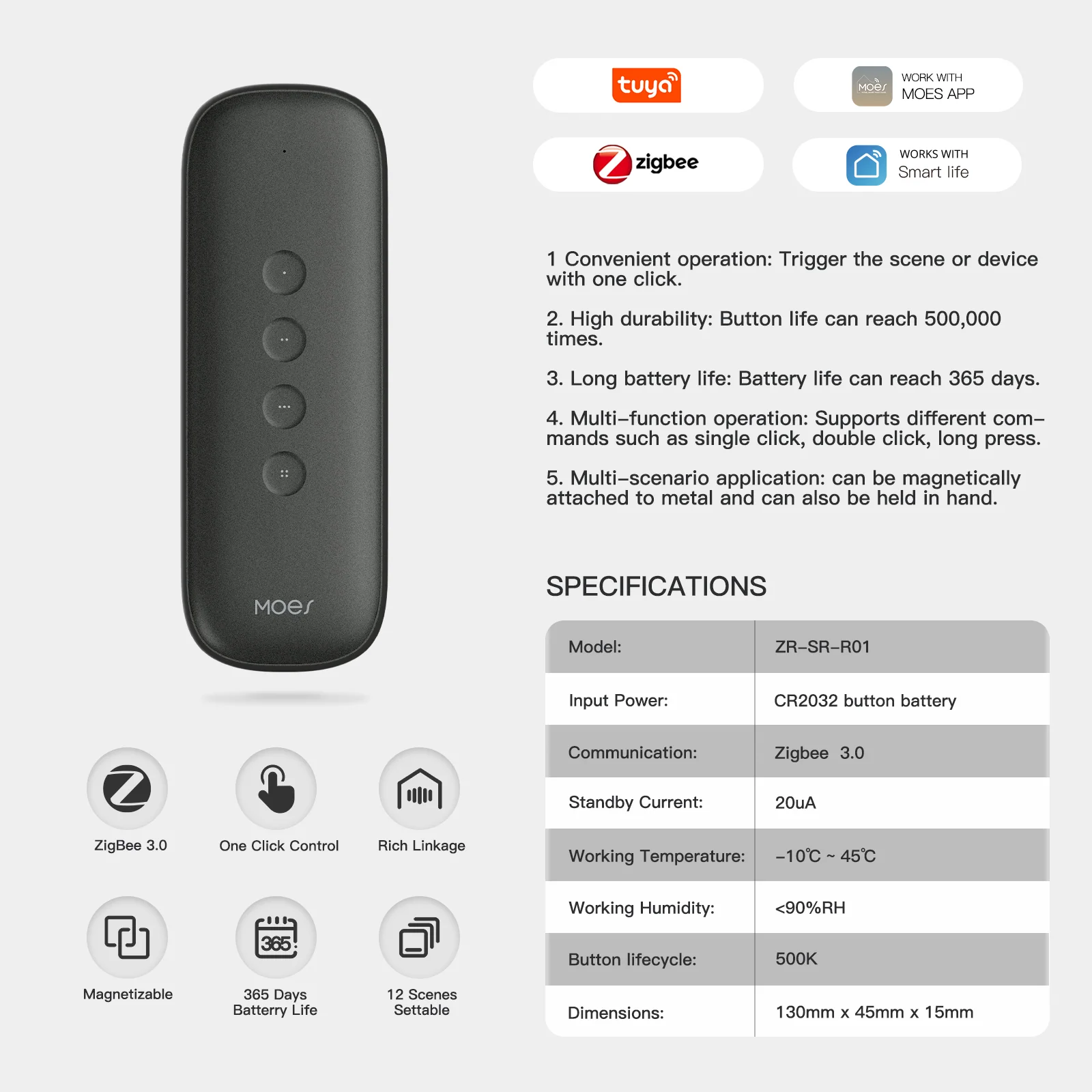
The MOES Zigbee Smart Scene Remote is a versatile wireless controller designed to simplify smart home automation with four programmable buttons and support for up to 12 customized scenes. Powered by Zigbee 3.0 technology, each button supports single press, double press, and long press actions, allowing users to control compatible smart lights, curtains, plugs, and other connected devices through customized automation. Its slim magnetic design allows convenient attachment to suitable metal surfaces or portable use anywhere within Zigbee network coverage. Powered by a replaceable CR2032 battery, the remote offers up to 365 days of battery life, while its durable buttons are rated for up to 500,000 presses. An excellent solution for activating bedtime, away, homecoming, and movie scenes, providing quick and convenient control of multiple smart home devices without reaching for a smartphone.
Specifications
| Zigbee | |
| Tempered glass | |
| MOES | |
| ZR-SR-R01 | |
| 2.405–2.480GHz | |
| Less Than +20dBm | |
| 4 | |
| 3 | |
| 12 | |
| Single Press / Double Press / Long Press | |
| Yes | |
| Yes | |
| Yes | |
| Yes | |
| Required | |
| Battery | |
| (1) CR2032 | |
| Up to 365 Days | |
| 20μA | |
| Up to 500,000 Presses | |
| Magnetic Attachment | |
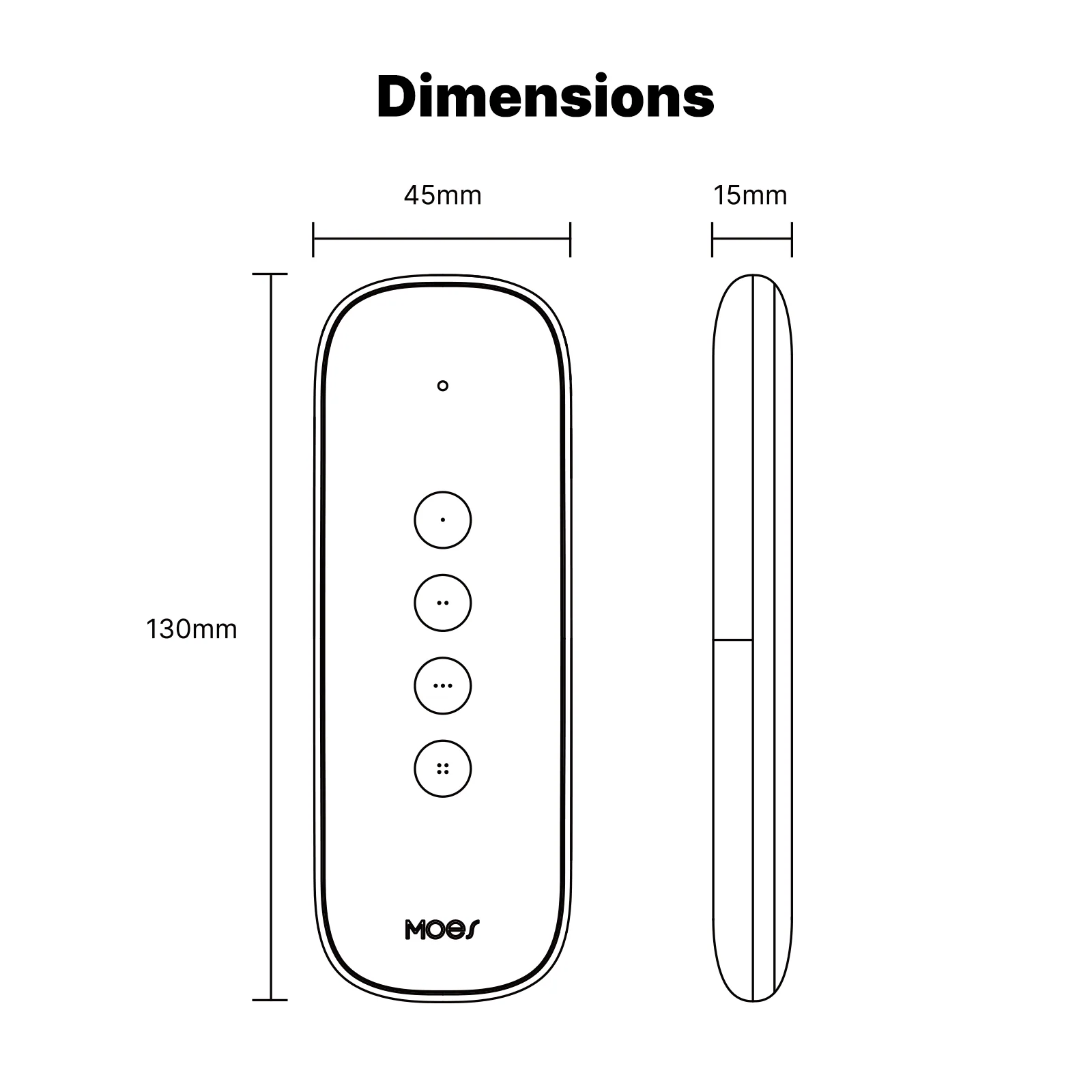
| 130 × 45 × 15mm | |
| 2 years | |
| SmartLife / Tuya |
Key features
- MOES wireless smart scene remote for controlling smart home devices and activating automation scenes.
- Zigbee 3.0 connectivity with low power consumption.
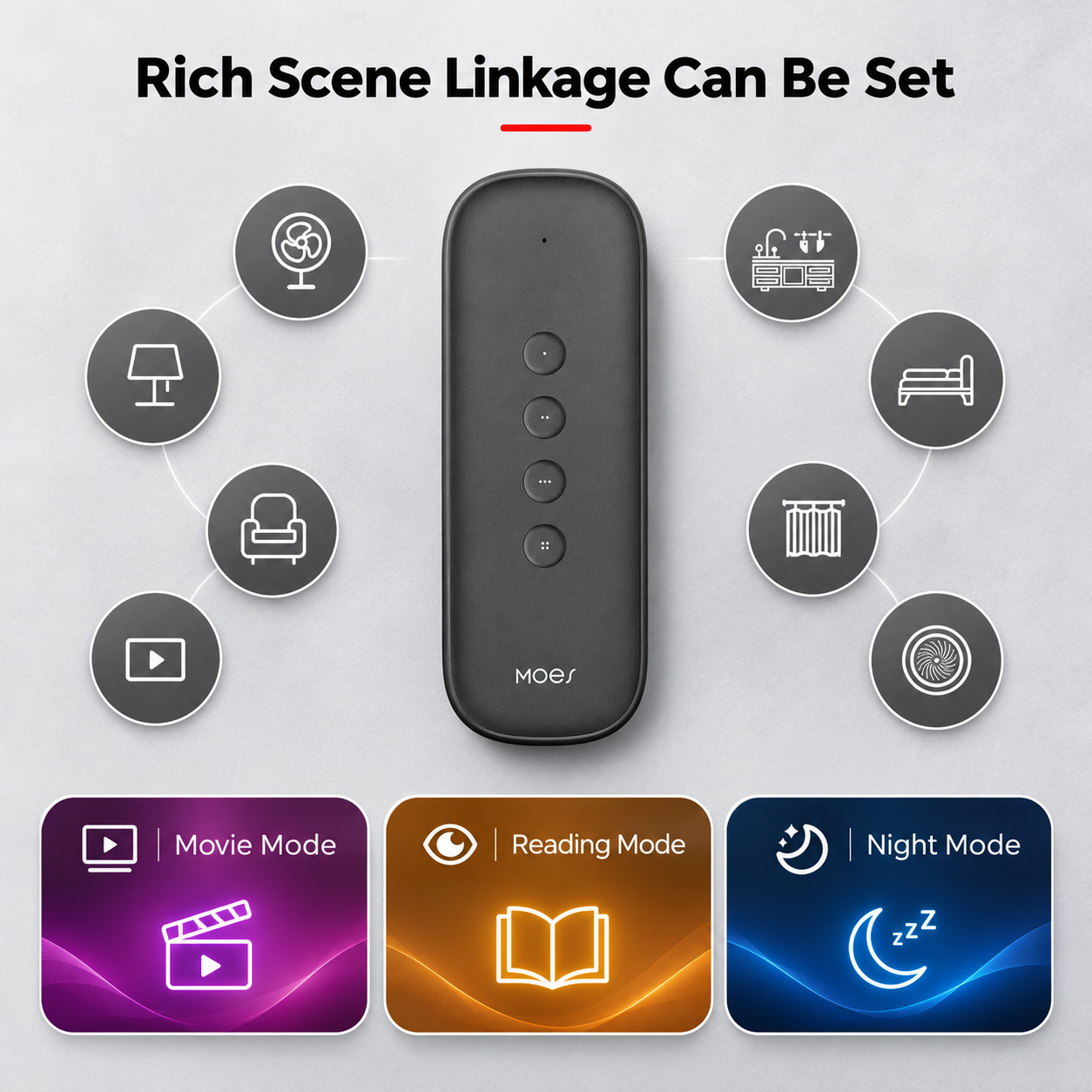
- Four programmable buttons supporting up to 12 different smart scenes.
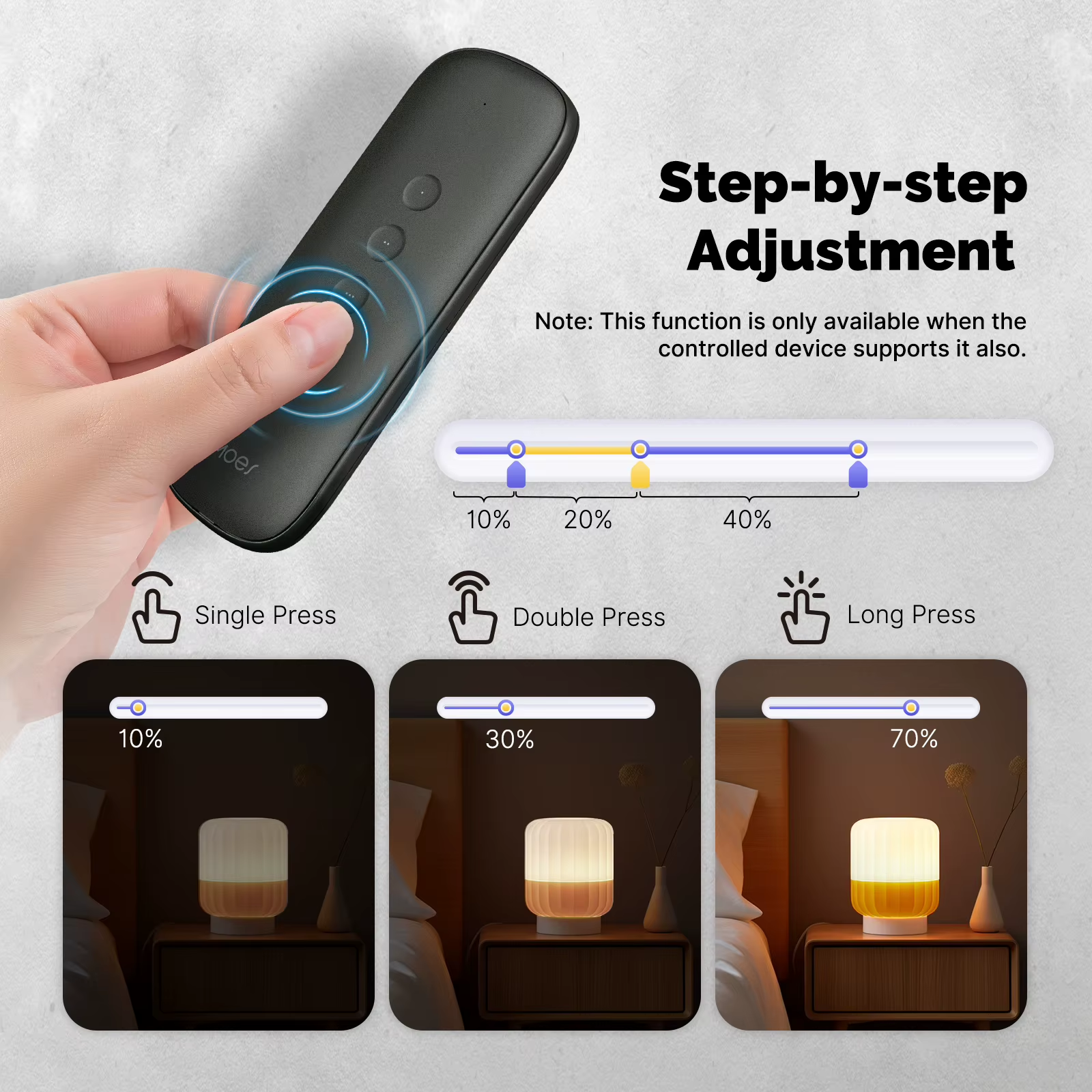
- Three actions per button: single press, double press, and long press.
- Control compatible smart lights and connected devices.
- Trigger multiple smart devices simultaneously through a single scene.
- Create customized scenes for lighting, curtains, and smart plugs.
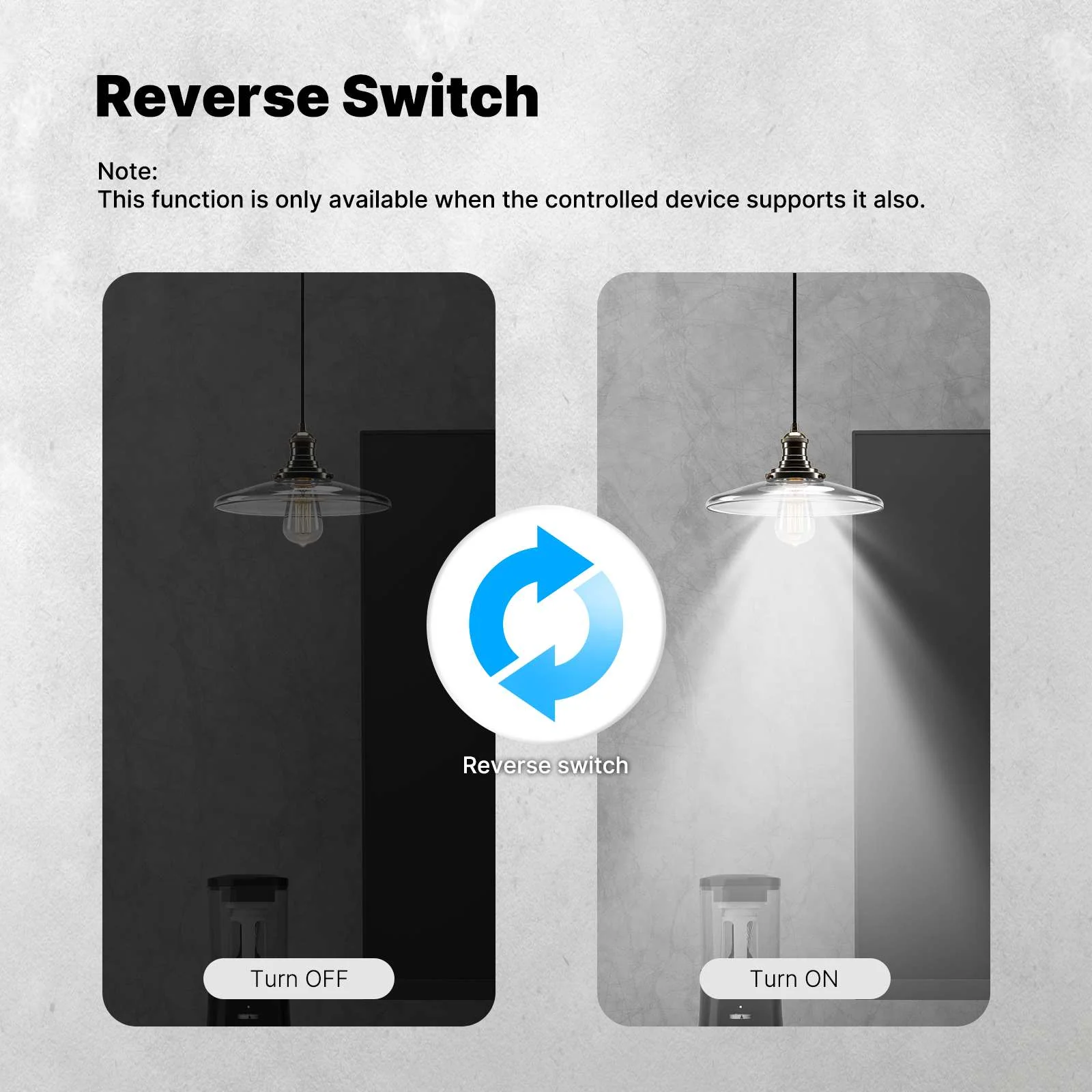
- Supports one-button ON/OFF state toggling for compatible devices.
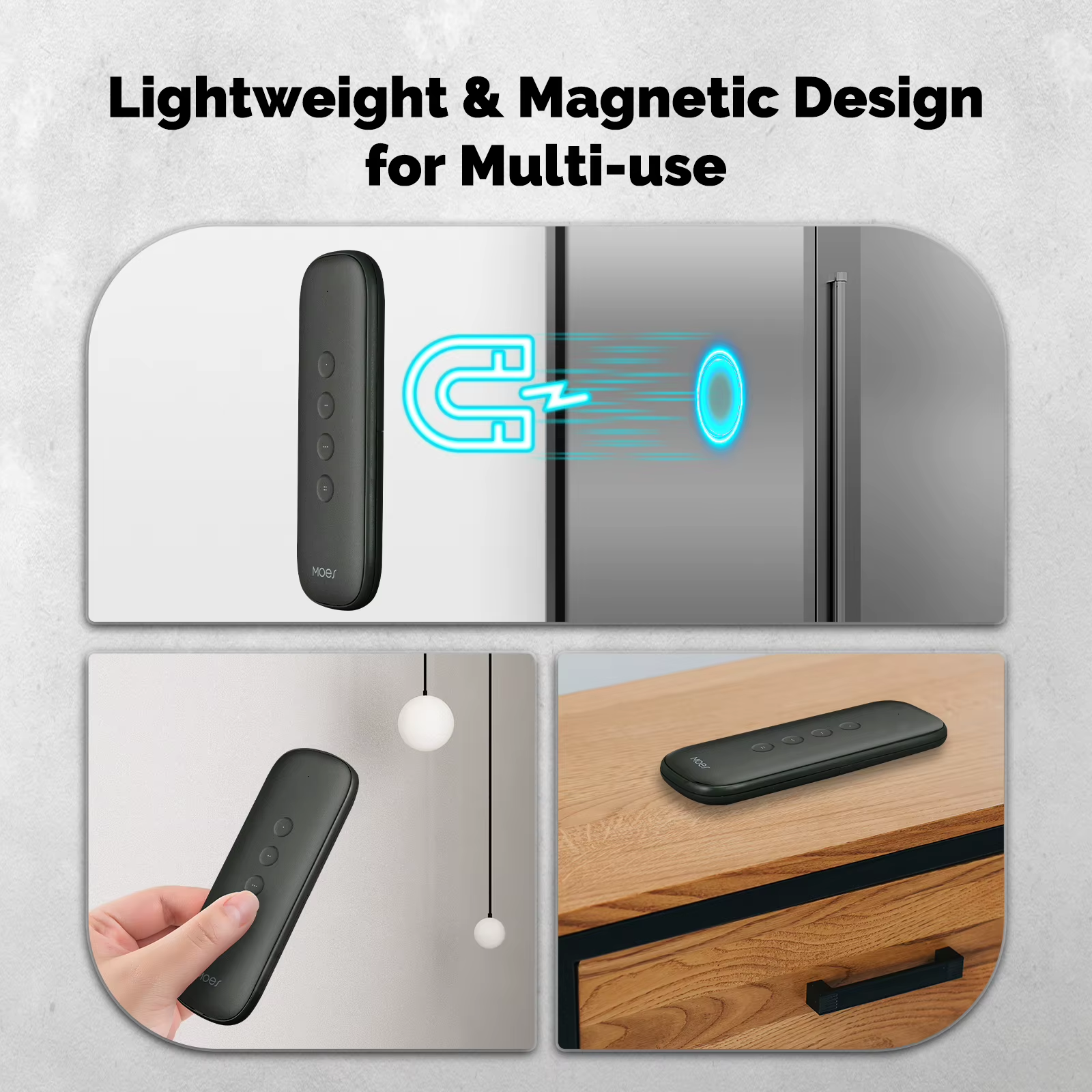
- Magnetic design for convenient attachment to suitable metal surfaces.
- Can be used as a portable remote or positioned in a fixed location.
- Powered by a replaceable CR2032 coin cell battery.
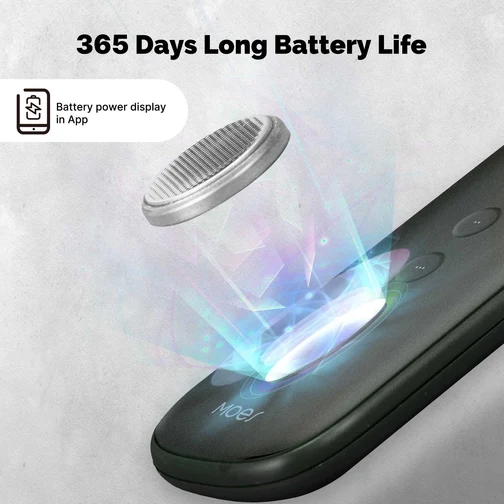
- Battery life of up to 365 days.
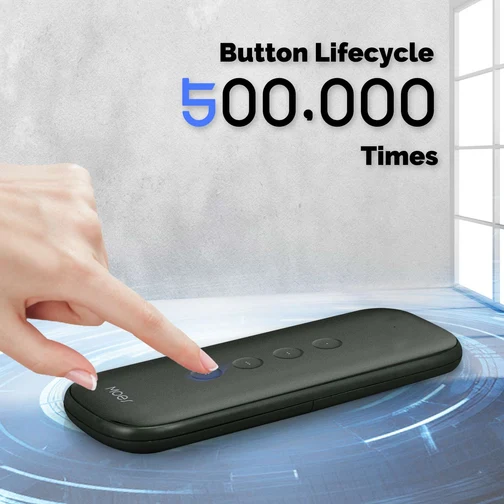
- Button lifespan rated for up to 500,000 presses.
- No electrical wiring required.
- Slim and elegant design for bedrooms, living rooms, and offices.
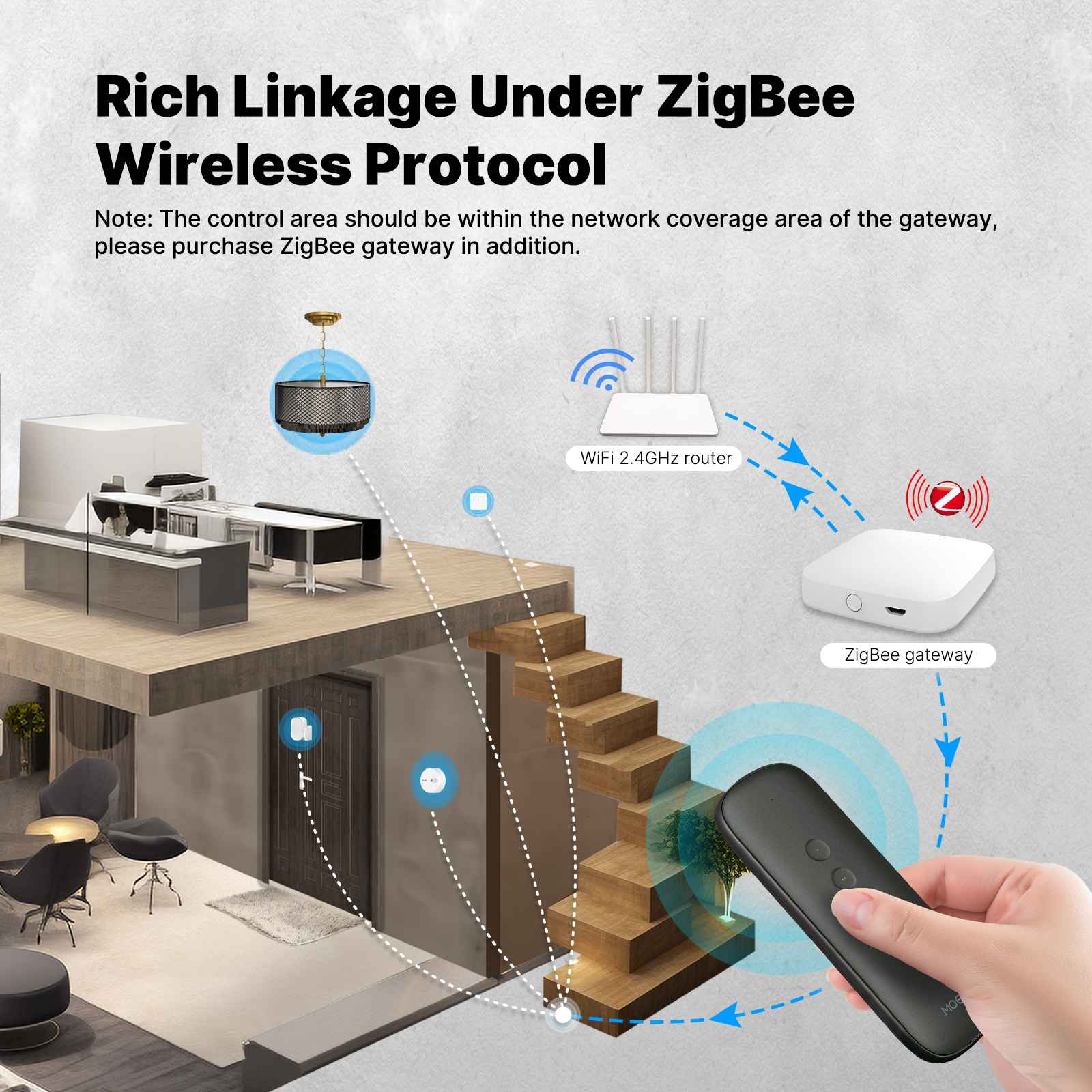
- Requires a compatible Zigbee Gateway for smart scene management.
Common uses
- Turning smart lights on or off with a button press.
- Controlling multiple smart lights simultaneously.
- Opening and closing compatible smart curtains.
- Activating automated morning routines.
- Triggering movie scenes with customized lighting and curtain settings.
- Switching off selected smart devices when leaving home.
- Activating bedtime scenes to turn off lights and connected appliances.
- Controlling compatible smart plugs and switches.
- Convenient bedside lighting control without using a smartphone.
- Portable smart home control around the house.
- Quick scene activation near home entrances.
- Managing multiple devices through individually programmed button actions.
Package contents
- MOES Zigbee Smart Scene Remote with 4 Buttons.
- 1 × CR2032 Coin Cell Battery may be included.
- Zigbee Gateway is not included with the standalone remote version.
How to use
- 1. Open the battery compartment and remove the battery insulation tab.
- 2. Make sure the CR2032 battery is installed with the correct polarity.
- 3. Ensure a compatible Zigbee Gateway is connected to your smart home application.
- 4. Open the MOES or Smart Life app.
- 5. Select the Zigbee Gateway and choose Add Sub-Device.
- 6. Press and hold the pairing button until the LED indicator flashes rapidly.
- 7. Wait for the application to discover and connect the remote.
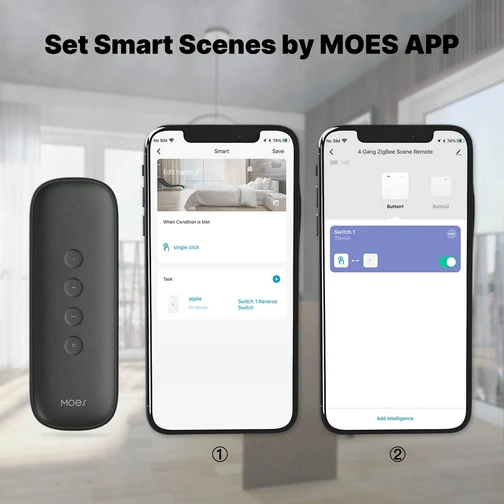
- 8. Open the remote configuration page in the app.
- 9. Select a button and configure its available actions.
- 10. Assign three different actions to each button: single press, double press, and long press.
- 11. Link each action to a compatible smart device or automation scene.
- 12. Save the settings and test the buttons to confirm successful scene activation.
Product notes
- Uses Zigbee 3.0 and does not connect directly to Wi-Fi.
- Requires a compatible Zigbee Gateway for smart home integration.
- Features four buttons supporting up to 12 different automation scenes.
- Each button supports single press, double press, and long press actions.
- Powered by one 3V CR2032 coin cell battery.
- Battery is included and replaceable.
- Battery life can reach approximately one year depending on usage.
- Designed to send wireless control commands and does not directly switch electrical loads.
- Compatible Wi-Fi devices can be controlled through gateway-based smart automation scenes.
- Single-button ON/OFF toggling is available only for compatible devices.
- The remote must remain within Zigbee network coverage.
- Supports magnetic attachment to suitable metal surfaces.
- No Neutral wire or electrical wiring required.
- Designed for indoor use away from direct water exposure.
- Offline automation functionality depends on the gateway, connected devices, and automation configuration.
User manual
Keep the operating guide handy whenever you need it.
Ratings & Reviews
Be the first to share your experience with this product.